Skip to content
ResinPourTally
Two measuring beakers and mold shapes on a teal studio workbench
THE POUR STUDIO / BROWSER-BASED TOOL

Resin calculator.
Measure the space.
Plan the pour.

Use the resin calculator to measure a mold, plan a project quantity and keep the mixing basis visible. Geometry first. Product instructions beside the plan.

A clearer quantity note

Five shapes. Two ratio bases. Visible assumptions.

Quantity estimate only. The product’s technical and safety instructions determine the process.

From cavity to components

Try the fictional 300 mL cavity, then enter your measurements and the actual product ratio.

Your pour planning benchProject quantity / browser only
01 / Space to fill
Geometric depth only; not the product’s safe single-layer limit.
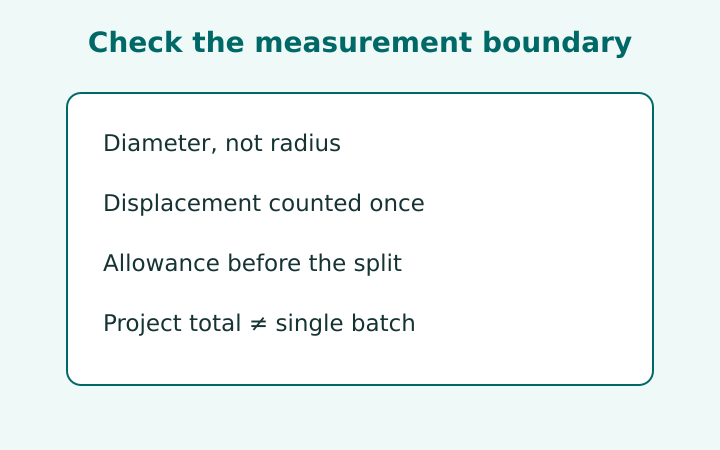
Subtract only measured solid volume not already excluded by the shape.
02 / Product ratio

Use the exact ratio and permitted measuring method for your product. The 1:1 example is not a universal recipe.

PLANNED MIXTURE FOR THE PROJECT

Gross cavity each
Net volume × quantity
Extra mixture

Component quantities

A / RESIN
B / HARDENER
Combined mass

This is total project quantity, not a safe single mixing batch or layer recommendation.

Follow your specific product’s ratio, allowed measuring method, maximum batch/pour limits, technical data sheet and safety data sheet. The tool does not model heat, cure, shrinkage, absorption, additives or kit rounding. Inputs remain in browser memory.

Make the inputs as clear as the result

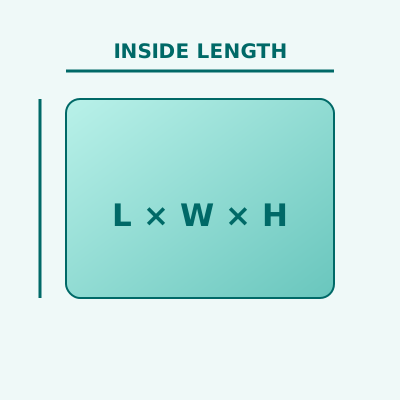
Measure the cavity illustration

Measure the cavity

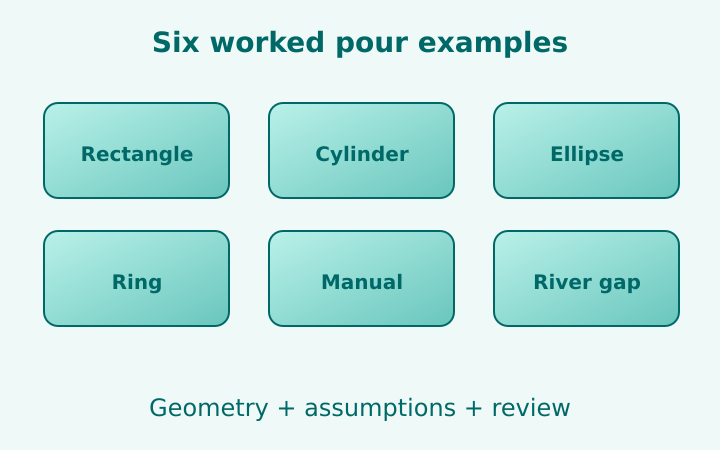
Rectangle, cylinder, ellipse, ring or manual capacity. Length units convert while the same space stays in view.

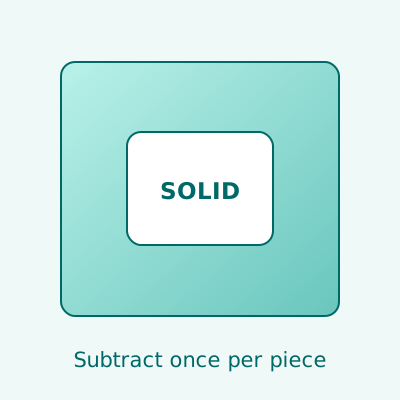
Account for occupied space illustration

Account for occupied space

Subtract known displacement once per piece, repeat identical molds and choose your own planning allowance.

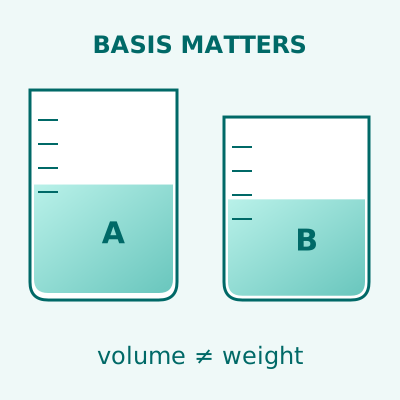
Keep the ratio basis clear illustration

Keep the ratio basis clear

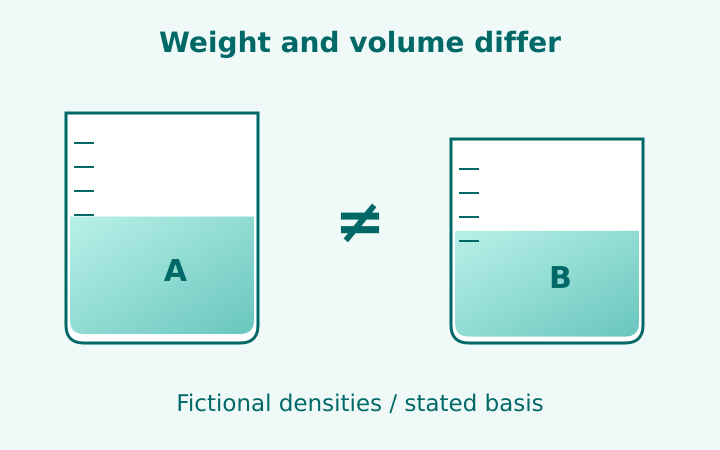
Volume parts and weight parts use distinct formulas. Weight conversion requires both component densities.

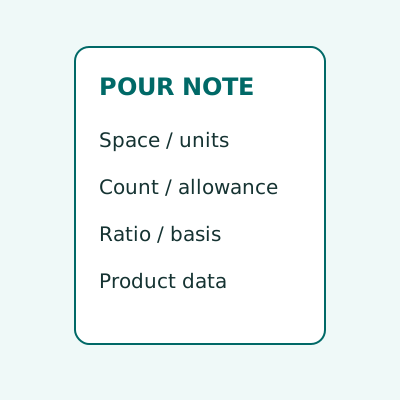
Copy the assumptions too illustration

Copy the assumptions too

Save a plain-text note with geometry, units, ratio basis, allowance and limits. No upload or calculation history.

Three checks before the pour

01

Define the resin space

Measure inside the cavity at the intended fill level. Use a simple geometric model or a known usable capacity.

02

Choose the planning assumptions

Subtract solids only when needed. Enter identical piece count, allowance and the specified component ratio basis.

03

Review against the product data

Read the intermediate quantities and copy the note. Confirm the real measurement method, batch and layer limits before use.

One workbench. Several project questions.

Small mold collections

Repeat identical cavity estimates without losing the per-piece displacement.

River-table planning

Estimate the resin gap, documenting where a straight rectangle approximates natural edges.

A mixing worksheet

Keep the actual product ratio, its measurement basis and any density data with the quantity.

Before you treat a total as a plan

What does the resin calculator estimate?

Geometric or entered capacity, net space after displacement, repeated identical pieces, allowance and component quantities at your stated ratio.

Can I switch between weight and volume ratios?

Select the basis specified for the actual product. Weight-based conversion from a target volume requires both component densities.

Does the total define a safe single batch?

No. This is project quantity planning. Follow the product’s technical and safety instructions for batch size, layer depth and handling.

Are measurements uploaded or saved?

No. Calculations stay in browser memory. Copy transfers a plain-text note to your device clipboard only when you choose it.

Read the working notes

Good plans show their assumptions.

Start with the space. Keep your product’s instructions beside the quantities.